
The Ultimate Guide to Choosing the Perfect VPS Architecture for Your Business in 2026
The digital landscape of 2026 demands more than just “online presence”; it requires high-performance infrastructure that can scale as fast as market trends change. Choosing a Virtual Private Server (VPS) is no longer a simple task of picking the cheapest option. It is a strategic decision that affects your application’s speed, your team’s productivity, and your bottom line. Whether you are targeting the high-stakes financial markets of the USA or launching a revolutionary real-estate app in Ukraine, your choice of RAM, CPU, and Disk I/O will determine your success. This deep dive analyzes the specialized NVMe VPS plans from Deltahost to help you navigate the complex world of server hardware without overpaying for resources you don’t need.
Decoding the Hardware: Why NVMe and Xeon Matter
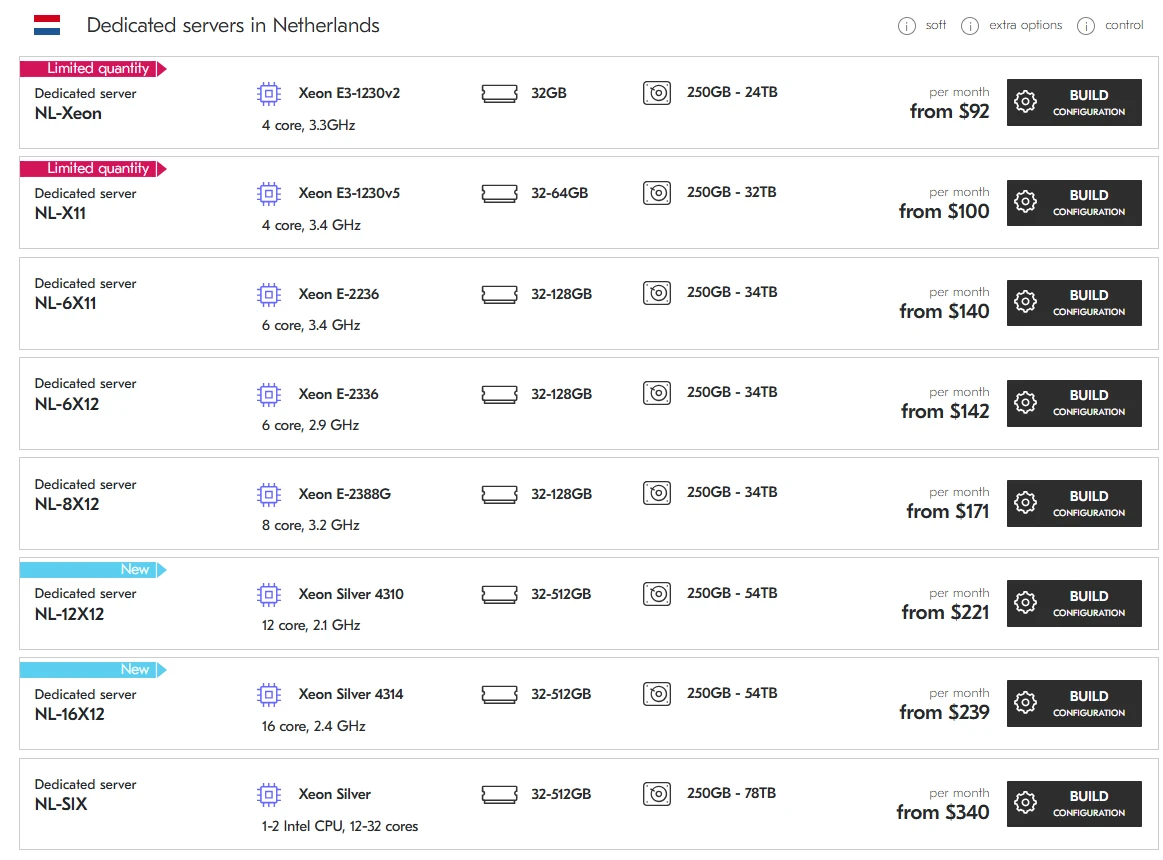
In the US market, consumer expectations for load times are sub-second. If your server is backed by old-school SSDs or, heaven forbid, mechanical HDDs, you have already lost the battle. The plans shown utilize NVMe (Non-Volatile Memory Express), which offers up to 5-6 times the throughput of standard SATA SSDs. When combined with Intel Xeon 64-bit processors, these servers provide the multi-threaded performance necessary for modern containerized environments like Docker or Kubernetes.
IMAGE from https://deltahost.com/
Hardware Comparison Table: Linux vs. Windows Efficiency
| Plan Level | Cores (Xeon) | RAM (GB) | NVMe (GB) | Linux Price | Windows Price |
|---|---|---|---|---|---|
| Entry (4) | 2 Cores | 4 GB | 100 GB | $13 | $23 |
| Standard (8) | 4 Cores | 8 GB | 150 GB | $25 | $35 |
| Pro (16) | 8 Cores | 16 GB | 300 GB | $44 | $49 |
| Ultra (32) | 8 Cores | 32 GB | 450 GB | $59 | $64 |
Strategic Tier Selection: Don’t Buy a Ferrari to Drive to the Grocery Store
The most common mistake business owners make is choosing a server “for growth” and paying for 32GB of RAM when their actual usage never exceeds 4GB. Conversely, choosing the Windows-4 plan for a 10-person office will lead to constant “Not Responding” errors because the Windows OS itself consumes nearly 2GB of that RAM just to stay alive.
The Windows-4 & Windows-6 Dilemma
These tiers are marketed for remote desktops and small office environments. In the USA, they are incredibly popular among Forex traders and Amazon dealers who need a persistent US-based IP address and a stable 24/7 environment. If you are a solo trader, the Windows-4 ($23) is sufficient. However, if you have 3-5 employees accessing a central database or CRM, the Windows-6 ($27) is a much safer investment for an extra $4.
High-Performance Scenarios: When to Go 16GB or Higher
The Windows-16 ($49) and Windows-32 ($64) plans are built for “Any Tasks”. This is the territory of heavy lifting. If your business model involves AI processing, large-scale data scraping, or serving as a central hub for a remote workforce of 20+ people, these are your only viable options. The jump to 8x Xeon cores is what makes the difference here, allowing the server to handle multiple heavy threads without stuttering.
Summary of Recommendations
- For US-based Startups: Start with the Linux-4 ($13). It is the most cost-effective way to get high-speed NVMe storage in a professional data center.
- Для автоматизации недвижимости (Украина): Используйте Linux-8 ($25). Этого достаточно для обработки сложных фильтров “цена/метраж” и блокировки риелторов по Device ID.
- For E-commerce (Shopify/WooCommerce alternatives): Aim for the Linux-16 ($44). High-traffic stores need the extra RAM to cache product images and handle peak holiday traffic without crashing.
- For Corporate Remote Work: The Windows-32 ($64) is the “Corporate Standard”. It provides a seamless experience for multiple users running heavy browser tabs and office suites simultaneously.
In conclusion, your server is the engine of your digital business. By choosing the right tier from Deltahost’s NVMe lineup, you ensure that your “engine” has exactly the right amount of horsepower—neither stalling under load nor burning money in an empty gas tank. Audit your needs, respect the RAM limits, and always favor NVMe for the speed your users deserve.